Yeti CLI utility
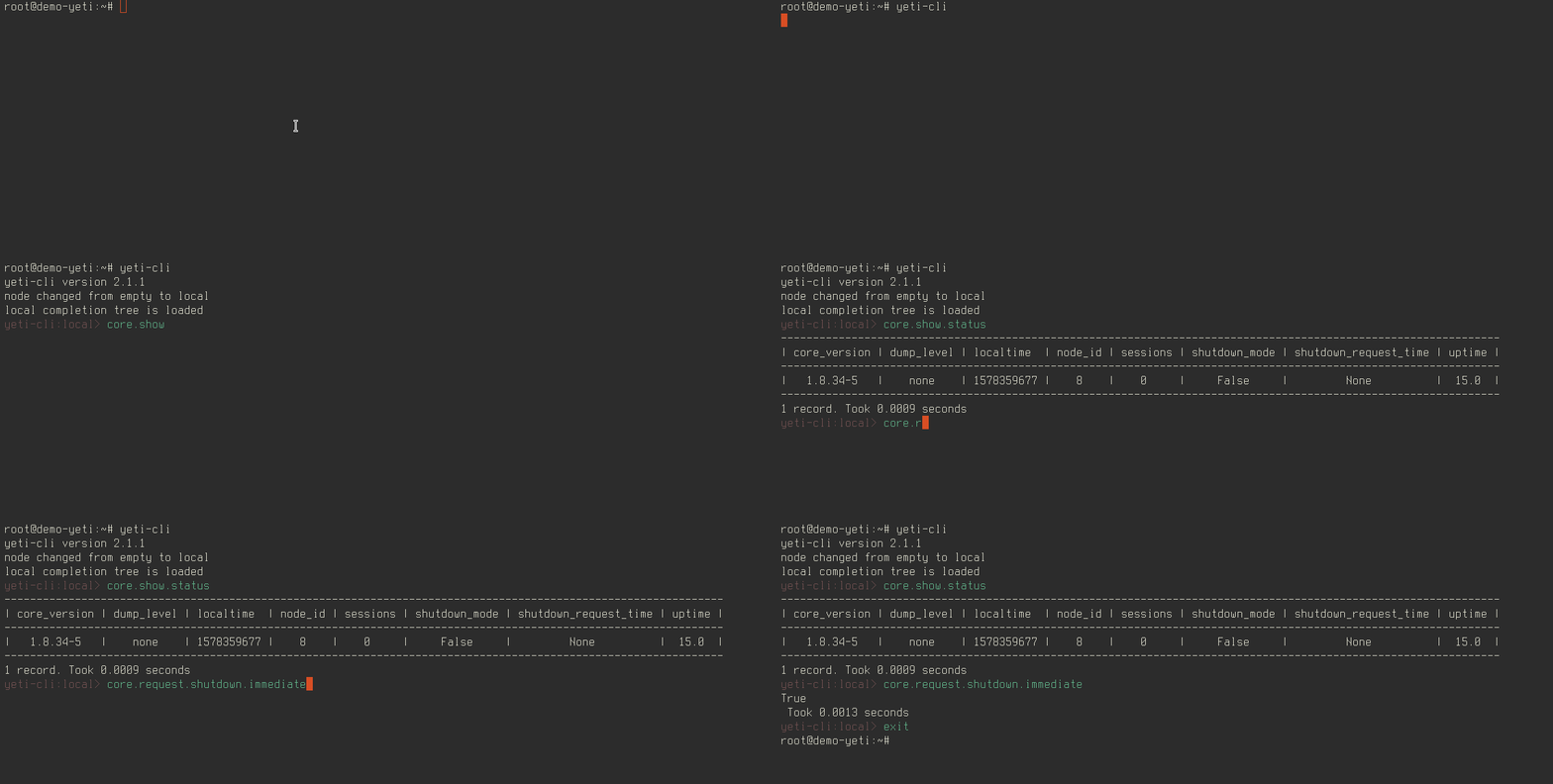
yeti-cli utility gives ability to manage yeti cluster via SEMS JSONRPC interface. It has friendly console interface with tab completions.
Installation
apt update && apt install yeti-cliConfiguration
To configure yeti-cli parameters edit /etc/yeti/yeti-cli.yml file.
nodes:
  - id: local
    rpc_endpoint: 127.0.0.1:7080

default_node: local

timeout: 5
prompt_system_name: 'yeti-cli'
tree_autoload: True
tree_clear_on_use: False- nodes
- array of nodes configurations
- timeout
- result waiting timeout in seconds
- default_node
- default node, to which we connect on start
- prompt_system_name
- Prompt string
- tree_autoload
- Automoatically local command auto-completion tree
- tree_clear_on_use
- Clear auto-completion tree after node switch
Config path can be overridden via environment variable YETI_CMD_CFG_PATH
Now you can run yeti-cli from shell:
user@demo-yeti:~$ yeti-cli
yeti-cli version 2.1.1
node changed from empty to local
local completion tree is loaded
yeti-cli:local>
Internal commands
Internal command will not change system status and just change yeti-cli behavior.
- list
- List of configured connections to SEMS nodes.
- history
- Displays commands history. yeti-cli saves history to ~/.yeticli_history
- use
<node-id> - Switch connection to specific node. All further commands will be sent to this node.
- loadtree
- Loads command tree from SEMS to local cache. yeti-cli use local cache for command auto-completion
- showtree
- Displays content of command tree cache
- formatting disable
- Disable output auto-formatting mode
- formatting enable
- Enable output auto-formatting mode
- exit
- Exit from console
Some useful commands
Core commands provided by SEMS core and usually related to whole SEMS daemon.
- core.show.status
- Displays SEMS instance status.
- core.show.log-level
- Displays current log-level for each log destination. Recommended values is 3 for di_log and 2 for syslog
- core.show.version
- Displays SEMS version
- core.request.shutdown.cancel
- Cancels SEMS graceful shutdown process. Shutdown mode will be disabled, SEMS will start to accept initial INVITE transactions.
- core.request.shutdown.graceful
- Switch SEMS to graceful shutdown mode. In this mode SEMS will respond error for initial INVITE transactions. See shutdown_mode section of sems.conf
- core.request.shutdown.immediate
- Immediately shutdown SEMS instance without stopping SIP sessions.
- yeti.show.system.status
- Show Yeti status
- yeti.show.version
- Show current version of YETI module and SEMS core
WARNING
Not all commands described in this documentation. Use loadtree and showtree internal commands to display actual command list for your SEMS and loaded modules.
Run command on all nodes
You can prepend command with keyword all to run it on all nodes. Example:
YETI-production:28> all core.request.shutdown.immediateCommand output filtering
You can use | to apply filter to command output. Example:
YETI-production:28> yeti.show.stats|AmSession.AvgSessionNum
-----------------
| AvgSessionNum |
-----------------
|       0       |
-----------------
1 record. Took 0.4438 seconds